
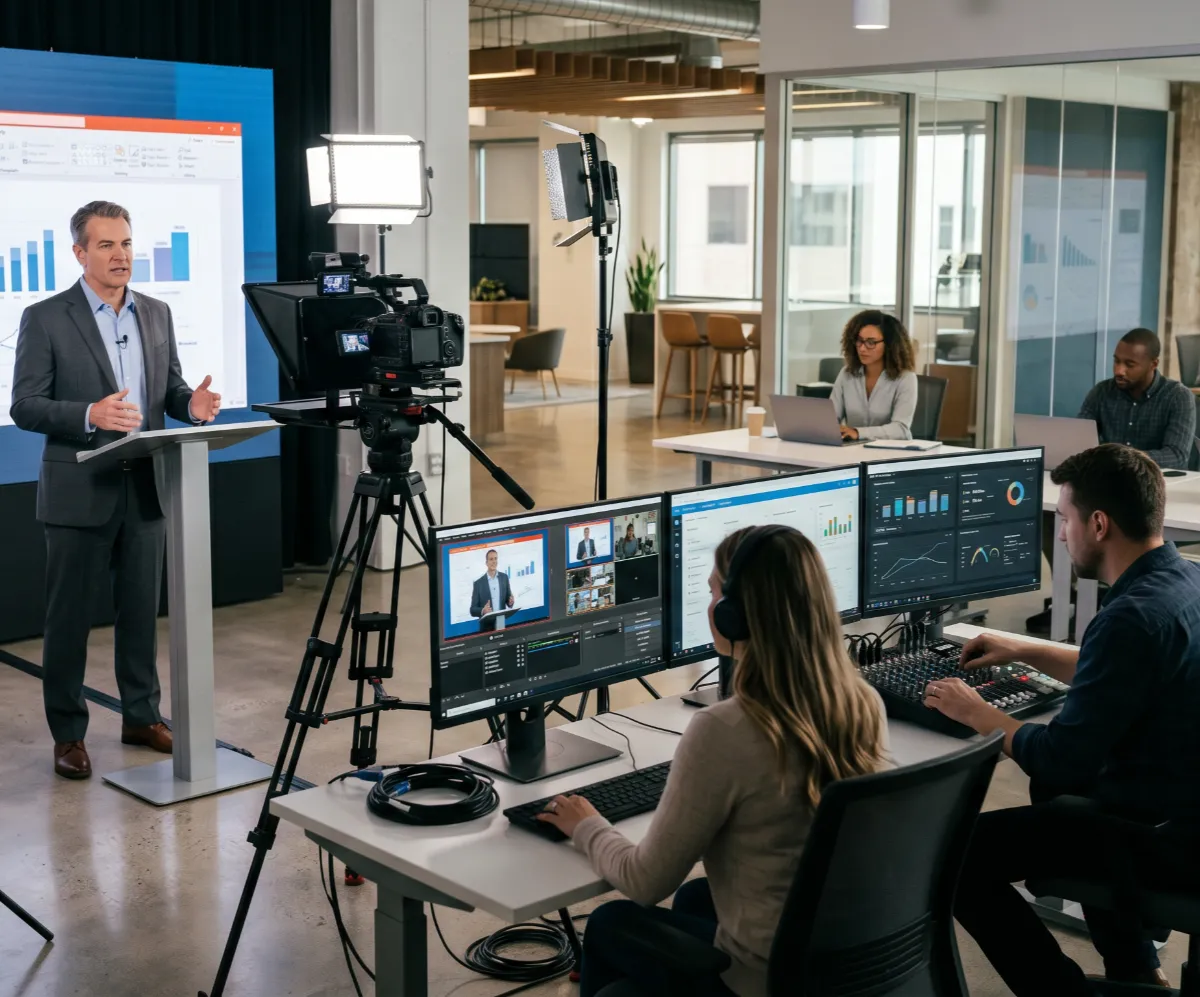
If you are a corporate secretary, an event director, or a CIO, you have probably already been asked to hold a meeting for an audience that is too large for any room. It could be an AGM with a few thousand shareholders, an earnings call followed by analysis in different time zones, or a company update for every office at once.
Fortunately, there is a specialized method in the corporate sector for this purpose, commonly known as webcasting. It lets you send your video over the internet to a large audience at the same time, so everyone watches the same thing. However, it’s entirely different from webinars, live streaming, and virtual events.
In this guide, you’ll learn about what exactly a webcast is, how it works, why organisations adopt it, and how it’s different from other video communication options. So, let’s get started.
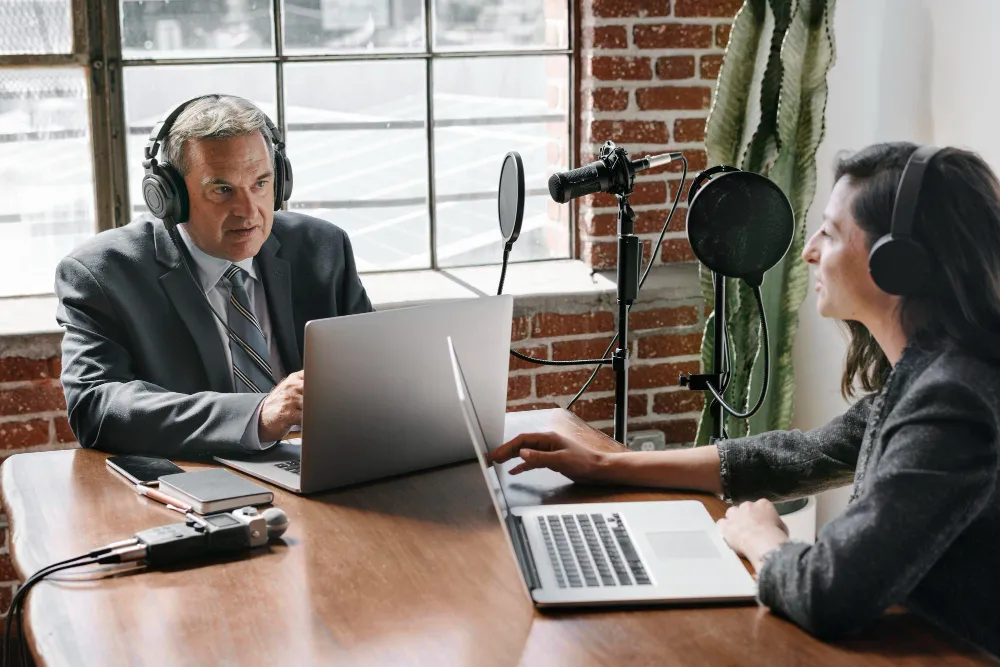
A webcast is a live or pre-recorded video broadcast delivered over the internet to a large online audience. It includes one or more presenters and a wide number of viewers. The viewers watch the presentation through a web browser or dedicated platform without joining as active participants.
It’s like a broadcast television rebuilt for the web. You get the reach of a TV channel with the convenience of a browser tab. Viewers do not download anything or join a call. They click a link and watch. That simplicity is precisely why webcasts are trending among enterprises these days.
Webcasting is the practice of producing and delivering a webcast end-to-end. It covers capturing the video and audio, encoding the signal, pushing it to a streaming platform, and serving it cleanly to viewers wherever they sit.
It requires a structured combination of hardware and software to ensure the stream reaches every viewer without latency. For enterprise organisations, webcasting serves as a primary channel for the following purposes:
Webcasting follows four key technical steps. Each one has to work, because if any single step fails, the viewer notices it immediately. These steps include:
First, cameras and microphones capture the presenters. Next, an encoder turns that raw feed into a compressed digital signal the internet can carry.
That signal then travels to a content delivery network, a spread of servers that copies the stream and serves it close to each viewer so it loads fast. Finally, the viewer presses play in a browser or app, and the platform adjusts quality to match their connection.
A webcast can run in three modes: live, simulive, and on-demand. Each suits a different need, and many enterprise events use more than one across a single campaign. Here is a brief overview of each:
The table below shows a quick comparison of all the three types of webcasting, along with the best use cases.

Enterprise organisations invest in webcasting because their audience is too large and too scattered to fit in any single room. It reaches a dispersed, global audience at once while keeping the message controlled, secure, and measurable. Here is where that value shows up.
A webcast lets you address thousands of people with the same care you would give a boardroom of ten. The presentation, the audio, and the visuals stay consistent for every viewer. Nobody gets a worse experience because they joined from a regional office or a home desk.
For result briefings and AGMs, control over who watches matters as much as the message. Webcast platforms support registration gating, single sign-on, and private viewer lists, so sensitive financial and strategic content stays with the right audience.
For regulated events such as those tied to ASX listing obligations, secure voting and verified attendee records move from nice-to-have to essential. CTS builds these into AGM webcasts, running simultaneous main and backup streams with secure voting integrations for ASX-listed clients. This is a long way from posting a public link and hoping for the best.
A good webcast meets the needs of viewers with different needs. Live captions, transcripts, and audio descriptions broaden who can take part and help you stay aligned with WCAG accessibility standards. Captioning and translation in a webcast also open the room to colleagues and shareholders who speak other languages, which matters for any organisation with a global footprint.
Unlike a physical meeting, a webcast tells you exactly what happened. You can see how many people watched, when they dropped off, which questions they asked, and how long they stayed. That data turns a one-off event into evidence you can act on for the next one.
Flying executives and shareholders to one venue is expensive and slow. A webcast removes the need for travel, room hire, and catering, while reaching far more people than any hall could seat. The recording then keeps working long after the live moment, so the same investment serves a second and third audience.
Webcasting is often confused with webinars, live streaming, video conferencing, and virtual events. The clearest way to tell them apart is by audience size and how much the audience talks back. Here is a close look at each form of video communication and how they differ from a webcast.
Webcast vs. webinar is another debate. A webinar is interactive and small. People raise hands, talk, and share screens. A webcast is built to broadcast to a far larger crowd with controlled, one-way delivery and structured Q&A. If you want a conversation, it’s better to run a webinar. If you want to address a room of thousands cleanly, you should definitely go for a webcast.
Live streaming usually means a public broadcast pushed to social channels or a website with little gating. A webcast carries the same live delivery but adds the security and reliability that corporate events demand. It is usually planned, polished, and tied to formal or business use. In contrast, live streaming is a more casual or social way of video communication.
A webcast sends content one way to a large group that watches without talking. Conversely, video conferencing connects a small group in a two-way chat where everyone can speak and be seen. The main difference between them lies in the way the conversation flows and how many people join.
A webcast is a single broadcast stream, while a virtual event is the whole online experience, and it can hold many webcasts inside it. Virtual events bring together keynotes, breakout sessions, networking, and exhibitor booths in one digital platform. A webcast is often just one piece of a larger virtual event.

You need three things to host a webcast well: the right platform, reliable equipment, and a small team who knows the running order. Here is a brief explanation of each.
You should pick a platform that fits your audience size and security needs. Look for adaptive streaming so quality holds on weak connections. Also, look for registration and access controls for private events, as well as live analytics. For regulated events such as those tied to ASX listing obligations, secure voting and verified attendee records move from nice-to-have to essential.
A solid setup usually has good microphones and lighting with at least one professional camera, plus a hardware or software encoder that holds a stable signal. However, beyond the equipment itself, proper setup and operation are also important. That’s the reason why independent bodies like AVIXA, the global association for audiovisual professionals, define certification standards to support professional audiovisual installations.
Technology alone cannot guarantee a successful webcast. A smooth and well-managed webcast usually needs the following members:
The production team may also include dedicated camera operators, audio engineers, and audio operators. For a small internal update, one person can take on multiple roles. However, for an AGM, you want specialists because the cost of one missed cue in front of shareholders is far higher than the cost of the crew.
It’s not enough to have all the essential equipment to make a webcast successful. Instead, you need to focus on other important factors, such as audience segmentation and engagement, to drive success. Here is how you can make sure that your webcast returns the best results:
First, you need to define your audience and the webcasting goals. For that, you can start with a simple question, like what viewers should know, feel, or do by the end. For example, an earnings call needs clarity and trust, and a town hall needs energy and a sense of direction. Your goal shapes every choice that follows, so write it down before you book anything.
Audience engagement is one of the most essential success factors for a webcast. Remember, online attention is shorter than in a room. You need to break the run sheet into tight segments. Vary the speakers and use different virtual event engagement ideas to keep people staying. The viewers should not feel frustrated, no matter how long your webcast is.
A great webcast with no audience is a wasted effort. Send invitations early, follow up with reminders, and make registration take seconds. For shareholder and investor events, provide people the date and the link well ahead so it lands in calendars, not spam folders. By doing so, you can gather enough viewers for your webcast.
It is always wise to rehearse and test your setup before the webcast date to avoid unexpected issues. Therefore, run a full technical rehearsal on the same equipment, network, and platform you will use on the day. When testing, check audio levels, screen shares, slide transitions, and the backup stream.
Once the stream ends, the work is not over. Instead, you should pull the analytics, see where people dropped off, read the questions you did not get to, and note what to fix. That review is what makes your next webcast better than this one. At the same time, it helps you determine the current one's success rate.
Most webcast failures repeat a short list of avoidable errors. Knowing them in advance is half the solution. Here are the most common webcasting mistakes, with a simple way to prevent each one.
A webcast is a broadcast, not a group call. Teams who run it casually, with no producer and no run sheet, end up with awkward gaps and messy speaker transitions. So, treat it with the structure you would give a live broadcast.
Poor lighting, weak audio, and a shaky frame quietly tell viewers the content is not relevant. Never compromise on the production quality of a webcast. Otherwise, you might fail to drive the desired results from your webcasting efforts.
Going live without a full rehearsal is one of the biggest reasons why a webcast fails. Skipping it might save you a little time, but it may cost you the entire investment. Therefore, you should always spare enough time to test the whole broadcast setup before going live.
Running a successful webcast is not just about setting up the equipment correctly and choosing the right webcasting platforms. Audience engagement matters just as much. If you ignore it, viewers may leave early.
Even when a webcast feels successful, you should never skip gathering and organising data about its performance. With insights into important numbers and KPIs, it becomes easier to make the right estimate of whether your efforts are truly fruitful.
In short, webcasting has become an essential communication tool for organisations that need to reach large audiences without sacrificing professionalism, security, or audience experience. Whether you want to deliver an executive briefing, run an AGM, launch a new initiative, or connect employees across multiple locations, a professionally managed webcast could be the right option for all such purposes.
However, managing a successful webcasting event can be a challenging task for organisations on their own, especially those without prior experience of it. The planning, the production, and the technical safeguards all have to come together at once, and one dropped feed in front of shareholders or analysts can undo months of work.
At CTS, we manage live and hybrid webcasting for some of Australia's most closely watched organisations, including AGMs and financial reporting for 36% of the ASX 200. Our work spans high-stakes events for government and finance, from the Parliament of NSW to major banking clients, delivered by AVIXA-certified crews. Every broadcast runs with simultaneous main and backup streams, secure voting integrations, and AVIXA-certified crews, all backed by a 99.5% service level commitment. So if your next event is critical, talk to our team and let us handle the technical risk.
The core difference is scale and interaction. A webinar is a smaller, two-way session built for conversation, training, or demos. A webcast broadcasts to a much larger audience with controlled, mostly one-way delivery, which suits AGMs and earnings calls where thousands watch at once.
The cost of a professional webcast depends on a handful of factors rather than a fixed price. The main drivers are:
For an accurate figure, it is best to scope the event with a production partner and request a tailored quote.
Webcasting is a type of streaming, but not every stream is a webcast. Streaming describes any video delivered live over the internet, including public social broadcasts. Webcasting refers to the structured, often secure, corporate use of streaming for events such as briefings and shareholder meetings.
There are three main types. Live runs in real time as it happens. Simulive plays a pre-recorded segment at a scheduled time with live Q&A. On-demand makes the recording available afterward, which often gathers the largest share of total views.
At a minimum, you need a quality microphone, decent lighting, a professional camera, and a stable encoder to send the signal. A reliable internet connection and a webcasting platform complete the setup. For high-stakes events, a backup stream and a second connection protect you against a single point of failure.
You should begin by setting a clear goal and audience, then choose a platform that matches your size and security needs. Build the agenda, promote it early, rehearse on the real setup, and run the live event with a small dedicated team. Review the analytics afterward to improve the next one.
A professionally managed webcast can serve anywhere from hundreds to many thousands of concurrent viewers. A content delivery network keeps playback smooth at scale, so quality holds even as the audience grows.
Yes. Enterprise webcasts support registration gating, single sign-on, and private viewer lists, so sensitive results stay with the intended audience. For AGMs and earnings calls, secure voting and verified attendee records add another layer of control.

.webp)
.webp)



_AU_English_2026_Certification_Badge.png)
.jpg)


.jpg)

.jpg)


