

Open up LinkedIn, Instagram, or your company’s internal communication channel, and you will find short videos everywhere. While most businesses are making short videos to stay ahead in the market, only a few actually know how to create content that is actually effective.
High production values and top-tier gear mean nothing without a strict framework. When a video lacks a clear, singular objective, it loses the viewer instantly. The result is hours of wasted editing time and an asset that gets ignored.
To save you the hassle, we’ve broken down the whole process of ‘how to make short videos’ into eight practical steps. We’ll take you through everything from setting your goal and writing a script to filming and finally getting your video out to the right channels.
A short video is a piece of visual content typically under three minutes that communicates a single focused idea or message. To make an effective short video, you need to:
When done well, short videos are one of the most efficient ways to communicate in a corporate or business setting.
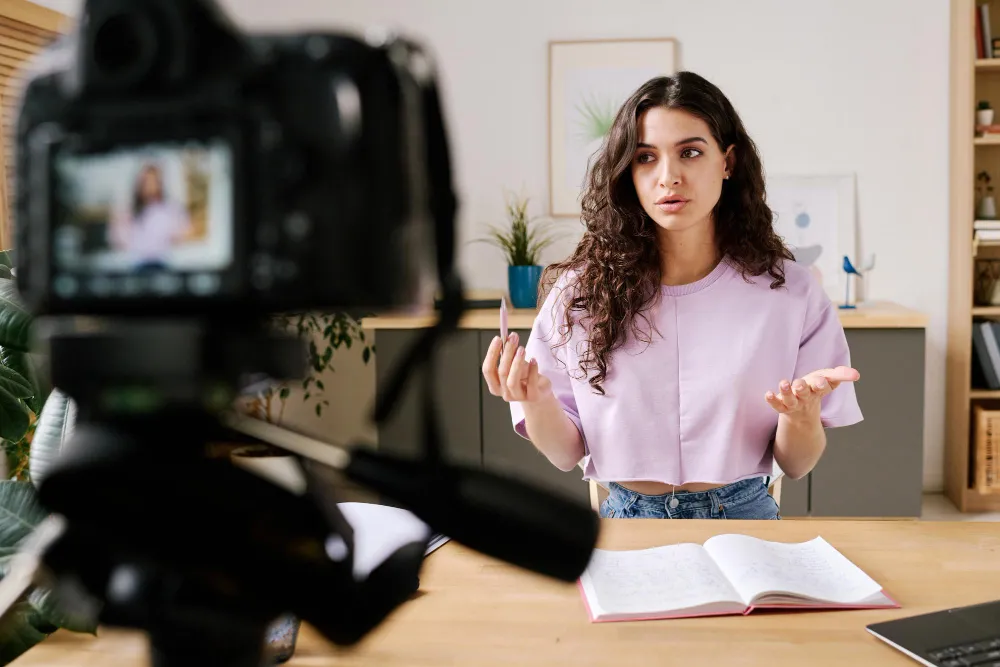
A short video is any video content that runs from a few seconds up to around three minutes and is built around a single, focused idea. It is not a trimmed-down version of a longer video. It is a purpose-built format with its own rules.
The defining characteristic is constraint. Short videos force clarity. You must immediately capture the viewer's attention and maintain it with something useful or surprising.
There are two broad categories worth understanding before you start producing anything:
Platform-native short videos are created specifically for social media platforms such as:
These are filmed vertically and follow the visual conventions of each platform. They are designed to be viewed on mobile devices, typically while scrolling through a social media feed and often with the sound turned off.
Corporate short videos are created for professional audiences and produced in a widescreen format suitable for business communications. This category includes:
The production standards of these videos are higher, and the audience is more specific. The content serves a business function rather than a social one.
Note: The production requirements may differ between the two categories. But the goal remains the same: one message, delivered well, in the least amount of time.
According to the Wyzowl State of Video Marketing report, 93% of marketers say video content has helped users understand their product or service better. But this value isn't just limited to external marketing campaigns.
For corporate and enterprise teams, short video improves internal communication and operational efficiency in ways other formats often cannot.
Here is how that value translates into everyday business operations:
Making a short video that actually works requires more planning than most people expect. Here is exactly how to approach it from start to finish:
Your short video needs to have one primary objective. Ask yourself what you want the viewer to do or understand after watching. The objectives can be to get shareholders to RSVP for an upcoming event, to teach employees how to log in to a new software system, to convince a prospect to book a discovery call, or any other goal.
Your answer influences the video's message, length, format, and distribution strategy. It helps ensure every element of the video supports the same objective rather than competing for the viewer's attention.
Different goals call for different video formats. Here is a breakdown of the most common types used by corporate and business teams.
These videos explain a process or concept very well. They are useful for onboarding new employees, training, and communicating complex information in a digestible way.
Product demonstration videos show a product or service in action, helping viewers understand how it works and the benefits it provides. By showing real-world use cases instead of simply describing features, these videos can be more engaging and persuasive than written content alone.
Such videos humanise your brand. A short walk through an event setup or production rehearsal builds genuine trust with your audience.
A well-edited two-minute highlight reel from a conference or product launch extends the life of that event. It communicates its value to people who could not physically attend the event.
Hearing a real client describe their experience in their own words carries far more weight than any marketing copy you can write.
Internal updates, leadership messages, and policy communications translate well to short videos, especially for distributed teams.
These shorts include platform-native content designed for LinkedIn, Instagram, or YouTube Shorts. Because they are viewed in fast-moving social media feeds, they need to capture attention immediately through strong visuals, vertical formatting, and concise editing.
After knowing what type of video you are making and why, write your script. Every second of screen time costs production effort, so every line needs to earn its place.
A good script for a short video does three things:
Read the script out loud before you film anything. If it sounds awkward or unnatural when spoken, rewrite it until it no longer does.
A shot list is what separates a structured production from an afternoon of aimless filming that you cannot edit into anything usable.
Your shot list should include:
Tip: Spending thirty minutes planning your shots can save you hours in the edit.
You do not need a broadcast studio to make a credible short video. But certain basic equipment is nonnegotiable, such as:
A modern smartphone camera is genuinely capable of producing professional-quality footage when used correctly.
If you have access to a mirrorless or DSLR camera, it is even better. However, the difference between a phone and a professional camera matters far less than lighting and audio.
Bad audio will ruin a perfectly good video. A USB condenser microphone or a lapel microphone makes an immediate difference to perceived production quality.
For lighting, a simple ring light or a softbox eliminates the harsh shadows that make corporate video look cheap.
Shaky footage reads as amateur. A tripod for static shots and a gimbal stabiliser for any moving footage will resolve this issue completely.
Choose an editing software based on your team's skill level and the complexity of what you are editing.
For corporate use, Adobe Premiere Pro and DaVinci Resolve are industry standards. CapCut is a solid option for quick social media edits, but you need to get their commercial or business license for business videos.
Set up your environment properly before you press record. Check the background for distractions and confirm your audio levels. Then, record a short test clip before committing to the full take.
Film more than you think you need. Multiple takes of each section give you flexible options in the edit.
The edit stage is where the video actually comes to life. Several specific techniques consistently improve viewer retention in short video content.
Removing pauses and filler words between sentences keeps the pacing tight and the viewer's attention high. This is a standard practice in corporate video editing.
On-screen text reinforces key points and makes the video accessible to viewers watching without sound. A significant portion of video content on professional platforms is watched muted, so text overlays do real work.
A subtle, royalty-free music track adds energy and polish. It should sit well below the voiceover level and should not compete with what is being said.
Cut on action whenever possible. Avoid overusing flashy transitions. Clean, simple cuts between shots look more professional than elaborate wipe effects.
For data-heavy content, animated text and infographic-style graphics make numbers, trends, and comparisons easier to understand. This helps viewers absorb key information more quickly than listening to a presenter read statistics aloud.
The same video does not perform equally across every platform. Each channel has its own technical requirements and audience behaviour, and your distribution decisions should reflect that.
.webp)
Knowing what not to do saves as much time as knowing what to do.
When the video covers too much information, scope creeps; so does the runtime. Viewer retention drops sharply after the ninety-second mark for most corporate content.
Poor audio is the fastest way to lose a viewer. Most people will continue watching lower-quality video if the audio is clear, but distorted, muffled, or echoing sound can make even high-quality footage difficult to watch.
If the edit feels long to you in the production suite, it will feel twice as long to your viewer. Cut ruthlessly.
Captions are not optional. They serve viewers with hearing impairments, viewers in sound-sensitive environments, and non-native speakers.
Your graphic design choices should support the message, not compete with it. Busy backgrounds and aggressive animation distract viewers from what you are actually trying to say.
Every video should end by telling the viewer what to do next. It may include watching another video, visiting a page, contacting your team, registering for an event, or any other CTA. Without it, you leave the viewer's next step entirely to chance.
Short video is one of the most direct and effective formats for corporate communication. The results depend almost entirely on how well you execute the fundamentals: a clear goal, a tight script, solid production basics, a disciplined edit, and sensible distribution choices.
Get those foundations right, and short video content will do real work for your organisation.
While managing internal or small-scale videos in-house is highly achievable, producing high-end corporate events or large-scale video campaigns is a different level of production entirely. If you need professional video capture, flawless editing, and seamless distribution built into your next major project, Corporate Technology Services (CTS) is here to help.
We provide end-to-end video production services tailored specifically for enterprise organisations.
Get in touch with CTS to discuss your next video or event production project.
How long should a business's short video be?
For most corporate purposes, short videos should be between 60 and 90 seconds. Event highlights and product demos can extend to two or three minutes if the content justifies it. Anything beyond three minutes should be positioned as a longer-form asset, not a short video.
Do I need a professional production company to make a short video?
For internal communications, simple social media clips, or training videos, a smartphone and a basic editing tool are genuinely sufficient. For high-stakes content like AGM webcasts or board communications, professional production adds significant value in terms of quality and contingency planning.
How do I ensure my video performs well on LinkedIn specifically?
Upload the video file natively rather than sharing a YouTube link. LinkedIn's algorithm strongly favours native uploads. Add captions to improve accessibility and support viewers who watch videos with the sound turned off. Keep the opening frame visually engaging and communicate your key message within the first three to five seconds to capture attention quickly. Most LinkedIn users decide within those first few seconds whether to keep watching.
.webp)


_AU_English_2026_Certification_Badge.png)
.jpg)


.jpg)

.jpg)


